
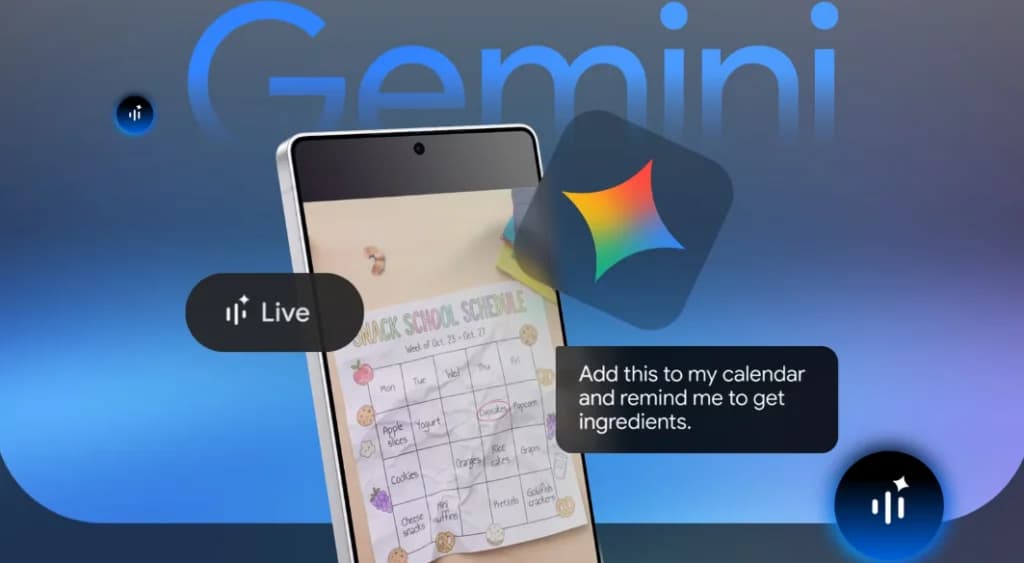
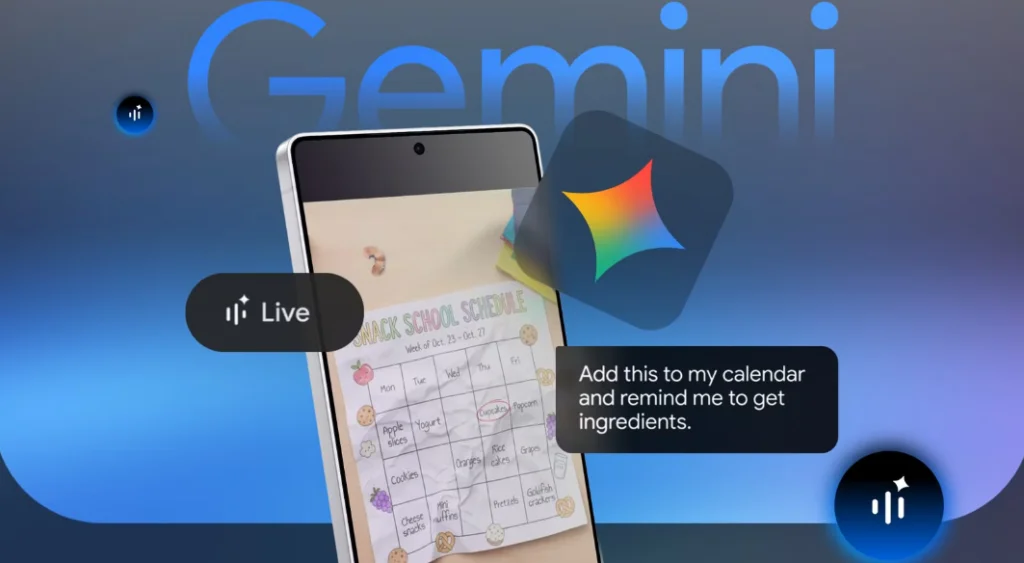
While Gemini was previously used primarily for searching content and writing, Gemini Live can do much more. Now you can have conversations, show your phone screen, or demonstrate through your camera and have a back-and-forth discussion without needing to type.
Good ways to use Gemini Live include:
1. Getting assistance by showing through the camera
When certain things are difficult to explain in writing, simply open Gemini Live's camera and show it. For example, if you show confusing product instructions or device settings through the camera and ask, Gemini can explain immediately.
2. Getting help within apps through screen sharing
If you encounter something you don't understand while using an app, you can screen share and ask. For example, if you're reading Reddit and don't understand something, you don't need to switch to another app—you can call Gemini right on the screen and ask for clarification.
3. Using voice commands when tired of typing
Speaking through voice is faster than typing and doesn't interrupt your work. Whether you want to casually mention ideas in your head or quickly find out about something you're reading, you can simply speak and give commands through voice.
4. Discussing new ideas without a set plan
When new ideas come up, organizing them systematically takes time. With Gemini Live, you can speak your thoughts as they come, even if they're disorganized. You can discuss and reorganize your thoughts by voicing them out with Gemini.
5. Creating plans without opening multiple apps
To plan a trip or organize a day's schedule, you no longer need to open Calendars and Notes one by one. Simply tell Gemini Live, and it can compile the information and easily create plans for you.
Ref: androidpolice